
A Bible app with audio for your everyday reading rhythm
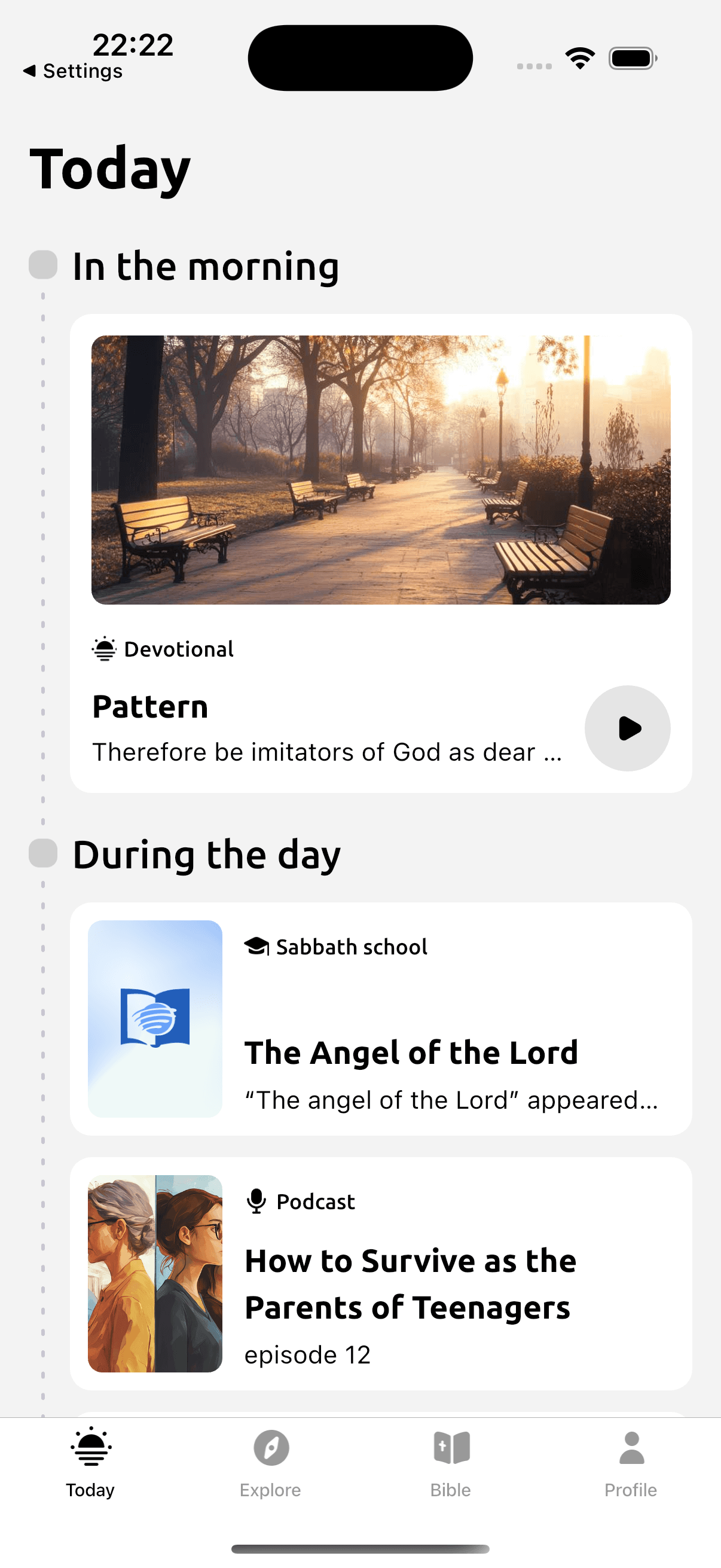
Devotionals has audio for supported devotional readings alongside its Bible reader. You can listen to a reading while preparing breakfast or during a quiet part of your day, then open the Scripture passage it refers to. Recording availability depends on the reading and language.
Listen to daily readings in the app
Available on iOS and Android. Free to download; some features require a subscription.
Scan with your phone to open Devotionals.
Make room for this reading habit
Hearing a devotional can help you return to material you read earlier. You may notice a question or reference that you want to look at again. Audio is also an option when looking at a screen is tiring or inconvenient.
Choose a recording you have time to attend to. Leave a pause afterward for the passage or a prayer. If another task needs your full concentration, stop playback and return later. Listening carefully may mean replaying a part before deciding what you want to take from it.
How Devotionals helps
- Narration for supported devotional readings.
- A Bible reader for following up the reading's Scripture references.
- Morning and evening material where recordings are available.
- Other listening material, including podcasts and meditations.
Try a simple reading practice
Read John 15:1–5 and consider the image of the vine and branches. When listening to a devotional in the app, pause if a reference needs a closer look. Open that passage and read its context. You can keep a question from the reading for a quiet moment of prayer afterward.
- Open a reading in your chosen language and check for available audio.
- Play the recording when you can give it your attention safely.
- Pause at a question or Bible reference you want to examine.
- Open the passage in the Bible reader and revisit the relevant part of the devotional.
Listen to daily readings in the app
Available on iOS and Android. Free to download; some features require a subscription.
Read with Devotionals
Audio sits alongside the supported readings it accompanies, so you can return to the text after listening. This page describes devotional reading audio; a recording of every Bible chapter is not promised. Availability varies by language and item. Check the selected recording's access and download options before relying on it without a connection. Devotionals is available for iPhone and iPad on the App Store or Android on Google Play.
In the app
- Choose a devotional reading on Today.
- Use the audio controls when a recording is available for that reading. Pause whenever you want to read its Bible reference or return to a sentence.
Questions before you begin
- Does Devotionals include audio?
- Yes. Supported readings have narration, and the app also has other listening material. Open the reading in your selected language to check its recording.
- Can I read Scripture after listening?
- Yes. Follow the reading's Bible reference and look at the surrounding verses in the Bible reader.
- Is all audio available offline?
- No universal offline audio access is promised. Check that the recording you need is available on your device before going offline.
- What is a good way to start?
- Choose a short recording and give yourself time to pause afterward. Revisit a Bible reference or pray about the question the reading raised.
Related ways to read
Listen to daily readings in the app
Available on iOS and Android. Free to download; some features require a subscription.