
A Bible study app for reading, reflection and notes
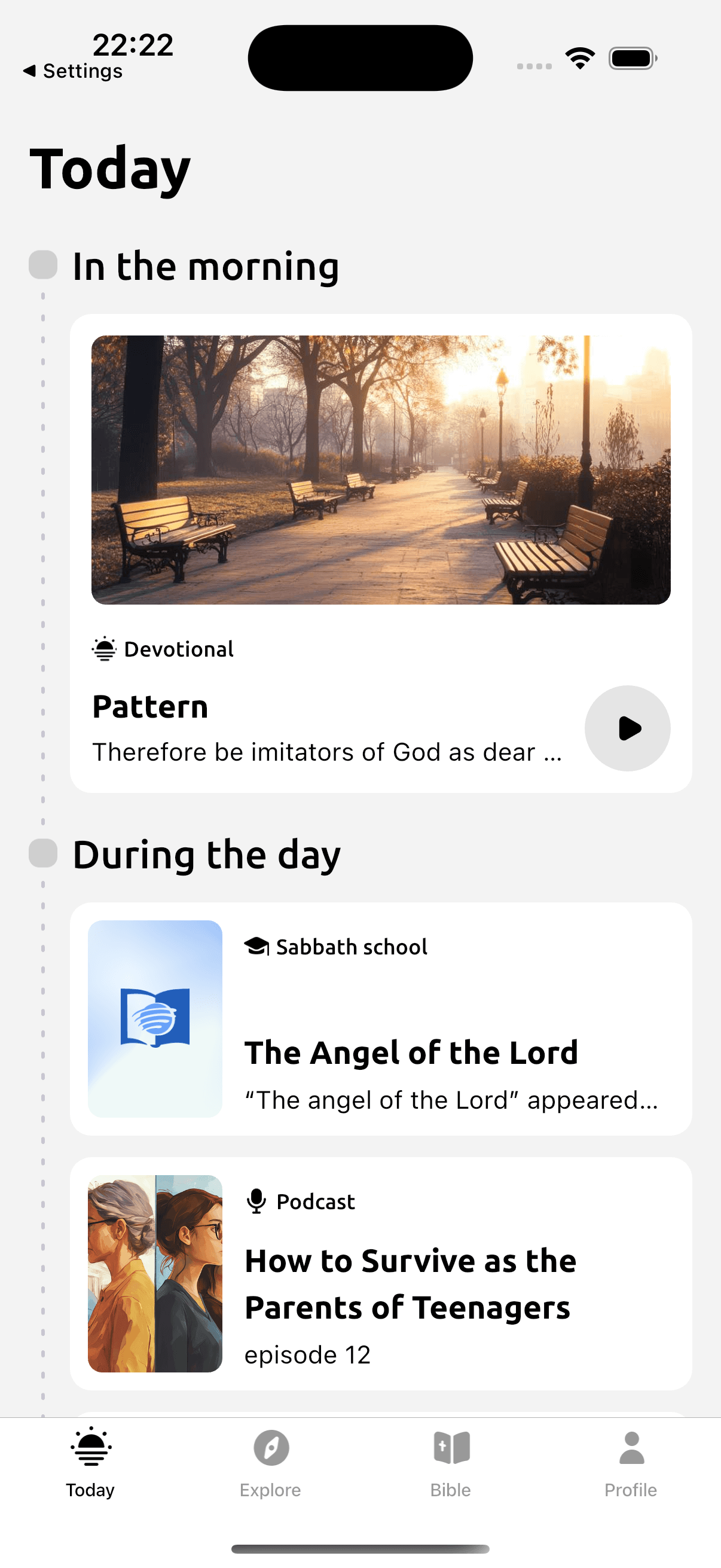
Devotionals puts the Bible beside daily reading material so you can look up a reference as you study. Read the passage in context, then save questions in a note on the devotional reading. A reading plan and Sabbath School lessons give you other ways to choose what to study next.
Build your Bible study routine
Available on iOS and Android. Free to download; some features require a subscription.
Scan with your phone to open Devotionals.
Make room for this reading habit
A question from a morning reading is easy to lose by evening. Keeping it with the reading gives you something specific to revisit. Include the Bible reference in the note so you can find the passage again and see how the question arose.
Start with a passage short enough to read carefully. Look at who is speaking and what happens before and after it. Write down the part you are unsure about. You can discuss the question with a teacher or someone in your church, then return to the text with what you learned.
How Devotionals helps
- The full Bible and a guided daily reading plan.
- Bible references within devotional readings.
- Notes and highlights on reading content for saving questions and observations.
- Daily devotional material and weekly Sabbath School lessons.
Try a simple reading practice
In Luke 10:25–37, compare the question at the beginning of the Good Samaritan account with the question Jesus asks at the end. Write down what you notice about the change. If you came to the passage through a devotional in the app, keep that observation in its reading note, together with the reference. You can return to the whole account when you revisit the question.
- Choose a Bible passage or open a devotional reading and follow its reference.
- Read the surrounding verses before applying one sentence.
- Save a question in a note on the reading, including the Bible reference.
- Revisit the passage and your question after further reading or discussion.
Build your Bible study routine
Available on iOS and Android. Free to download; some features require a subscription.
Read with Devotionals
A devotional reference can lead into a longer Bible study while you stay in the same app. Notes belong to reading content, so include a Bible reference when you want to remember a passage. Editing notes requires a subscription. Devotionals supports personal reading and reflection; careful study and discussion with a trusted teacher can help with interpretations that remain unclear. Devotionals is available for iPhone and iPad on the App Store or Android on Google Play.
In the app
- Open a devotional reading and read its Bible reference in the Bible reader.
- If you use notes, attach your note to the reading and include the Bible reference so you can find the passage again. Editing notes requires an active subscription.
Questions before you begin
- Does Devotionals include the Bible?
- Yes. The app has the full Bible, devotional readings and a daily reading plan.
- Can I keep Bible study notes?
- You can add notes to devotional reading content. Include the passage reference in your note when recording a Bible question. Editing notes requires an active subscription.
- Is this an academic Bible commentary?
- Devotionals focuses on daily reading and reflection. For a detailed scholarly question, use further study resources or speak with a trusted teacher.
- Can I study Sabbath School material?
- Yes. Weekly Sabbath School lessons are available alongside the app's other readings.
Related ways to read
Build your Bible study routine
Available on iOS and Android. Free to download; some features require a subscription.