
An offline Bible app for a reading habit that travels
You can prepare Bible passages and daily readings in Devotionals before a journey or a day with an unreliable connection. Material stored on your device supports reading offline. Open the passages you need while connected, then check them in airplane mode before you leave.
Take your daily readings with you
Available on iOS and Android. Free to download; some features require a subscription.
Scan with your phone to open Devotionals.
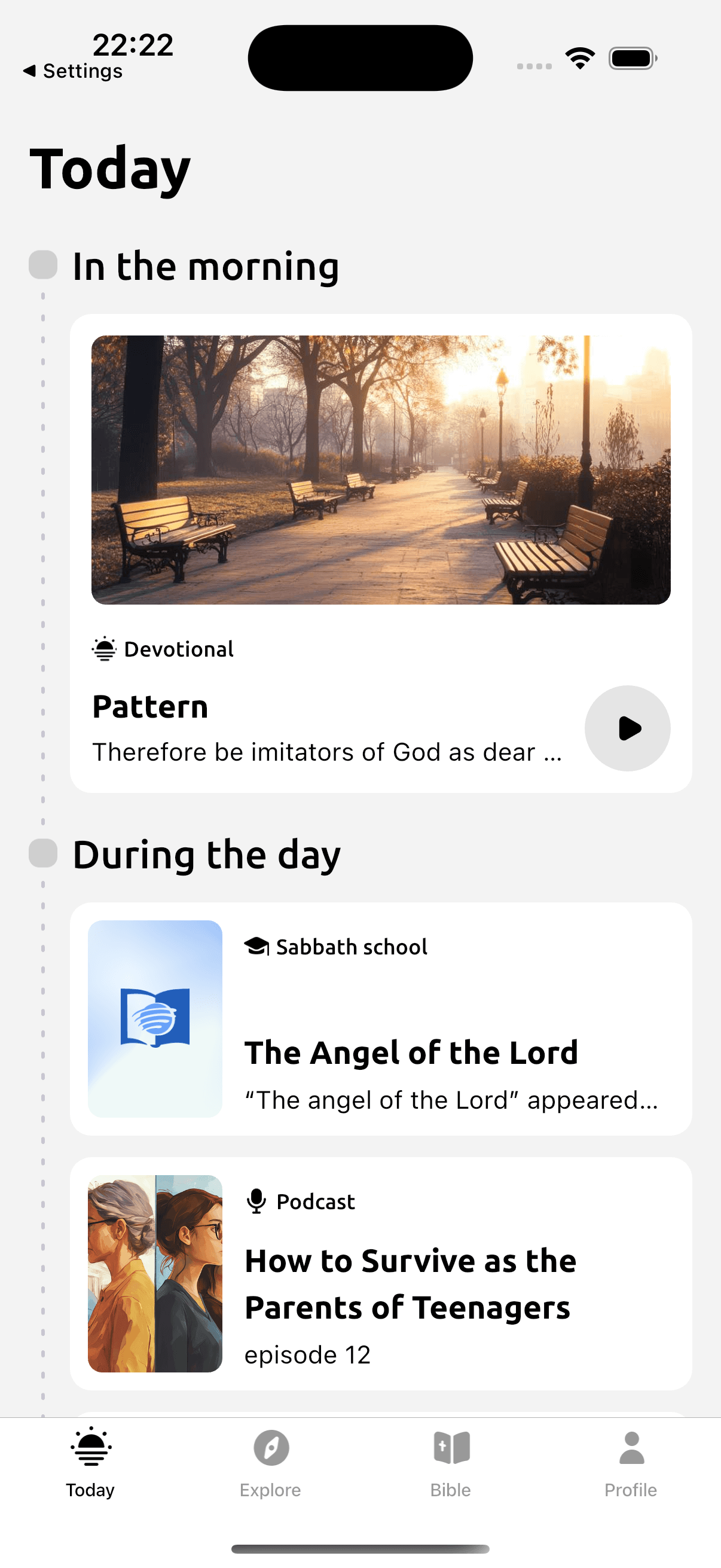
Make room for this reading habit
Reading on a train or while traveling can be difficult when a page needs to load over mobile data. Preparing a passage in the app gives you a place to start during those gaps in coverage. Decide what you want to read while you still have a connection.
Open your selected Bible translation and the devotional readings you expect to use. Check that they load on your device, then try them in airplane mode. This is particularly useful before a journey where you will rely on those readings. New material and synchronization still need a connection.
How Devotionals helps
- Locally stored Bible and reading material for offline use.
- Bible passages and devotionals within the same app.
- Morning and evening readings to prepare before traveling.
- Content updates when you reconnect.
Try a simple reading practice
Before a trip, open Psalm 23 in your selected translation and check that it loads in airplane mode. As you read, notice the images of care and guidance. Keep a question about one of those images for your journey, so you have something to return to when you open the passage again.
- Open Devotionals while connected.
- Load your chosen Bible translation and the readings you need.
- Enable airplane mode and open those passages again to check access.
- Reconnect to refresh the reading material and synchronize supported personal data.
Take your daily readings with you
Available on iOS and Android. Free to download; some features require a subscription.
Read with Devotionals
The Bible reader uses local data, and previously stored devotional readings can open from the reading cache. Prepare and check your chosen material before relying on it offline. New stories and podcasts have their own network requirements. A downloaded reading also does not guarantee that its audio has been saved. Verify the particular recording separately if you plan to listen. Devotionals is available for iPhone and iPad on the App Store or Android on Google Play.
In the app
- While connected, open the Bible reader and the devotional readings you plan to use.
- Switch your phone to airplane mode and check that those readings open before you travel. Test any audio you need separately.
Questions before you begin
- Can I read without an internet connection?
- Yes, with Bible and reading material available locally on your device. Load your chosen material while connected and check it in airplane mode.
- Does every feature work offline?
- No. New content and synchronization need a connection. Check the specific feature and material you intend to use.
- Can I listen to all audio offline?
- Offline text access does not guarantee offline audio. Check whether your selected recording is available on the device before traveling.
- What should I do before traveling?
- Open the readings and Bible translation you need while connected, then test them in airplane mode. Reconnect later for updated material.
Related ways to read
Take your daily readings with you
Available on iOS and Android. Free to download; some features require a subscription.