
A Bible app for kids’ stories and parent-led conversation
Devotionals includes children's material within its daily reading app. Parents can preview a story and use it for a Bible conversation with their child. Read a short part together, explain unfamiliar words and invite the child to ask about what happened.
Explore children’s stories together
Available on iOS and Android. Free to download; some features require a subscription.
Scan with your phone to open Devotionals.
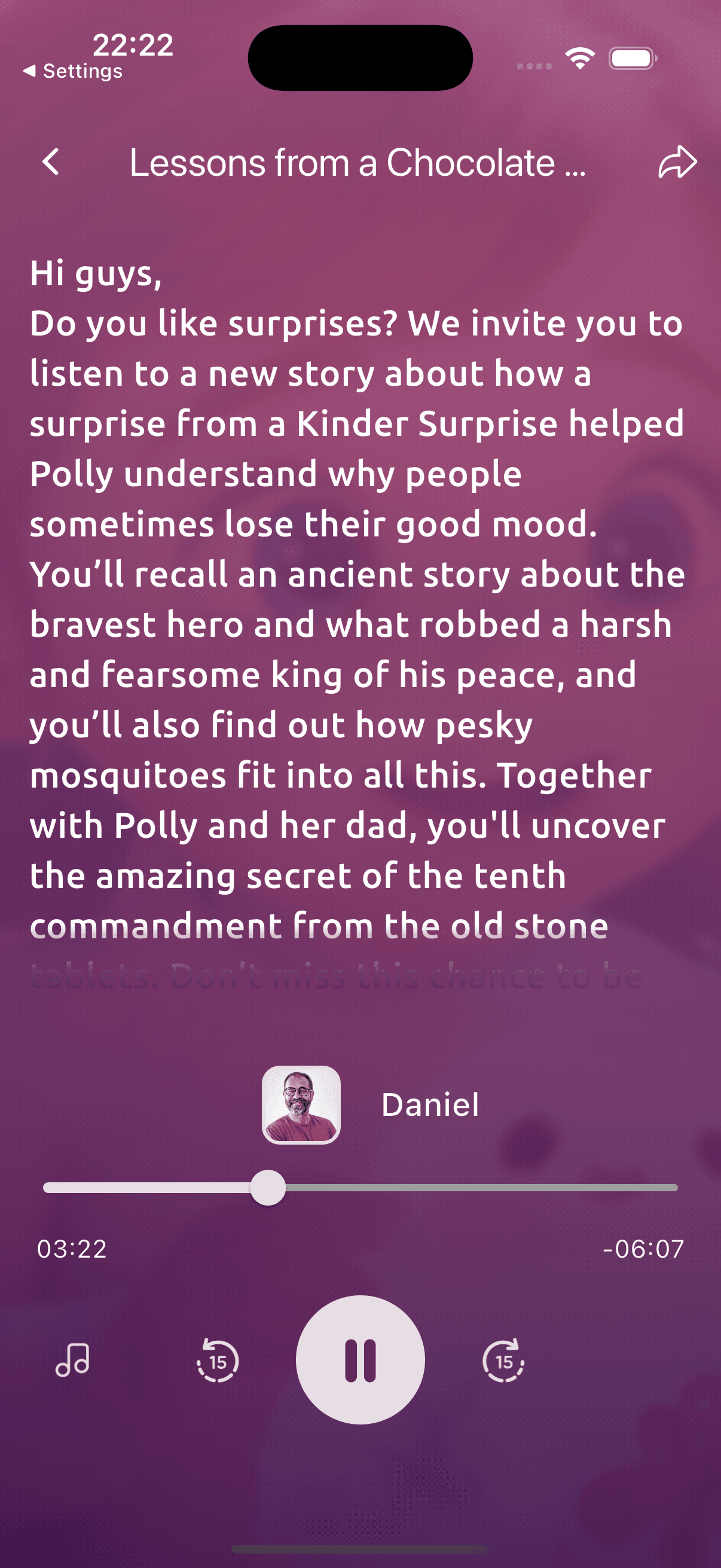
Make room for this reading habit
Choosing a story each evening can take time. The app's children's content gives parents material to consider for a shared reading. Preview its language and subject before you begin, and decide how much your child can follow at that sitting.
If the story includes a modern illustration, show your child where the Bible reference begins. Read the passage together when possible. A question about a word or a confusing event can lead to a useful conversation; you can return to it later if you need to study the passage yourself.
How Devotionals helps
- Children's reading material within Devotionals.
- Stories parents can preview before sharing.
- A Bible reader for looking up Scripture references together.
- A starting point for a child's questions and a family prayer.
Try a simple reading practice
Use Luke 15:3–7, the account of the lost sheep, for a short family reading. Ask what the shepherd does when a sheep is missing. Explain unfamiliar words, then invite your child to describe how being found might feel. Give them time to think or draw before answering.
- Choose available children's content in the app.
- Preview the reading and look up its Scripture reference.
- Share a short part, then let your child ask a question or retell it.
- Talk about a kind action you could try together.
Explore children’s stories together
Available on iOS and Android. Free to download; some features require a subscription.
Read with Devotionals
Devotionals has children's content alongside readings used by adults. The family practice here is shared reading with a parent; the app is not a standalone children's game or a complete curriculum for each age. Some children's material requires a subscription. Preview the content and check its access before choosing it for a family session. Devotionals is available for iPhone and iPad on the App Store or Android on Google Play.
In the app
- On Today, look for available children’s material. Preview a reading before sharing it with your child.
- Read the selected passage aloud and give your child time to ask about unfamiliar words. Check the access conditions for that item before making it part of your routine.
Questions before you begin
- Is Devotionals a standalone kids' game?
- No. It is a daily reading app with children's content that parents can read and discuss with their children.
- How should parents choose a story?
- Preview the language and subject, then read its Scripture reference. Choose a portion your child can understand and explain unfamiliar words.
- Does children's content require a subscription?
- Some additional children's material requires a subscription. The app shows access and purchase terms for the current offering.
- Can we read the Bible alongside a story?
- Yes. Look up the story's reference in the Bible reader. Explain which part comes from Scripture and which part is the devotional writer's illustration.
Related ways to read
Explore children’s stories together
Available on iOS and Android. Free to download; some features require a subscription.